What is the Bernie Sanders Talks to Claude meme?
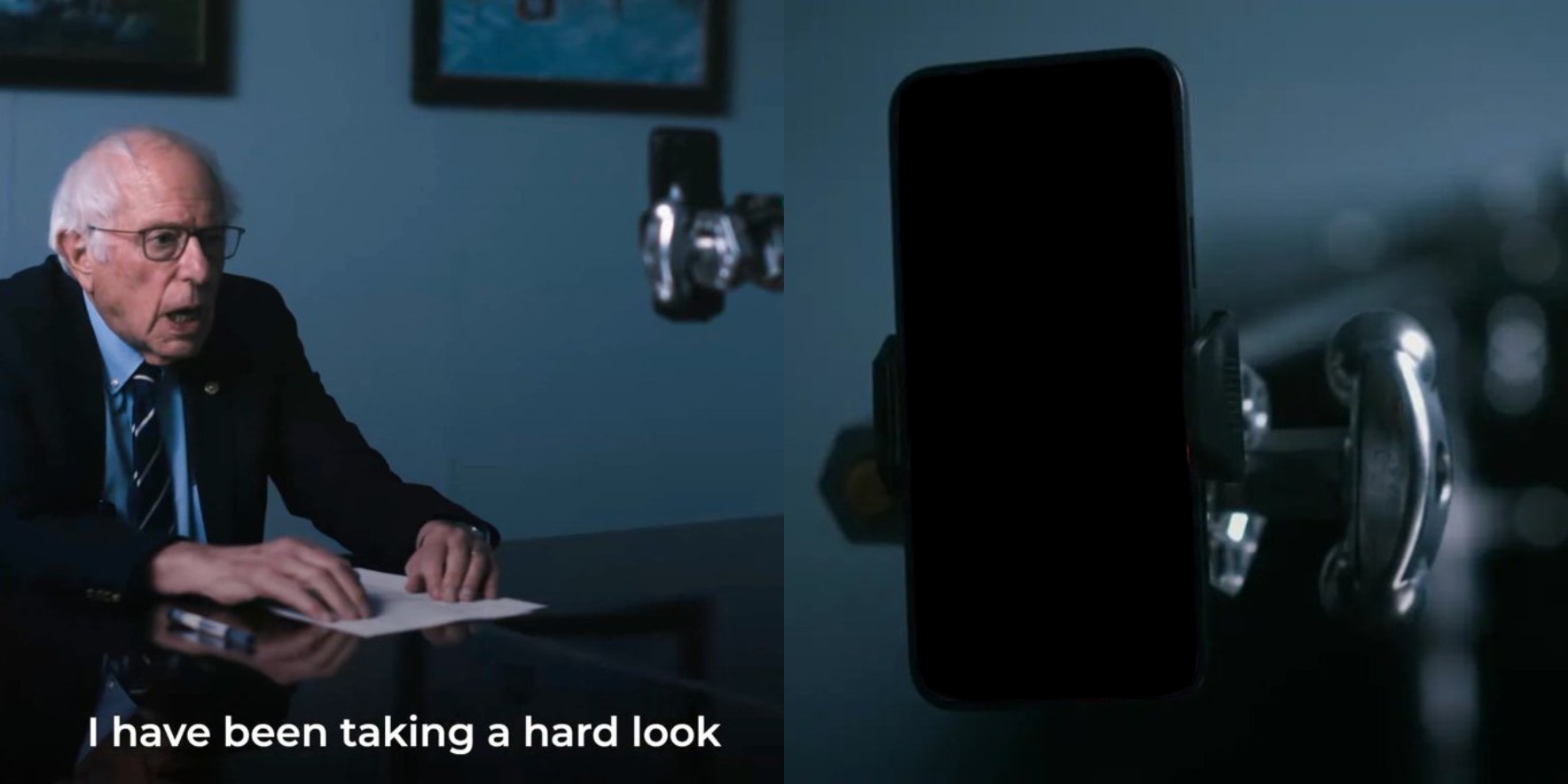
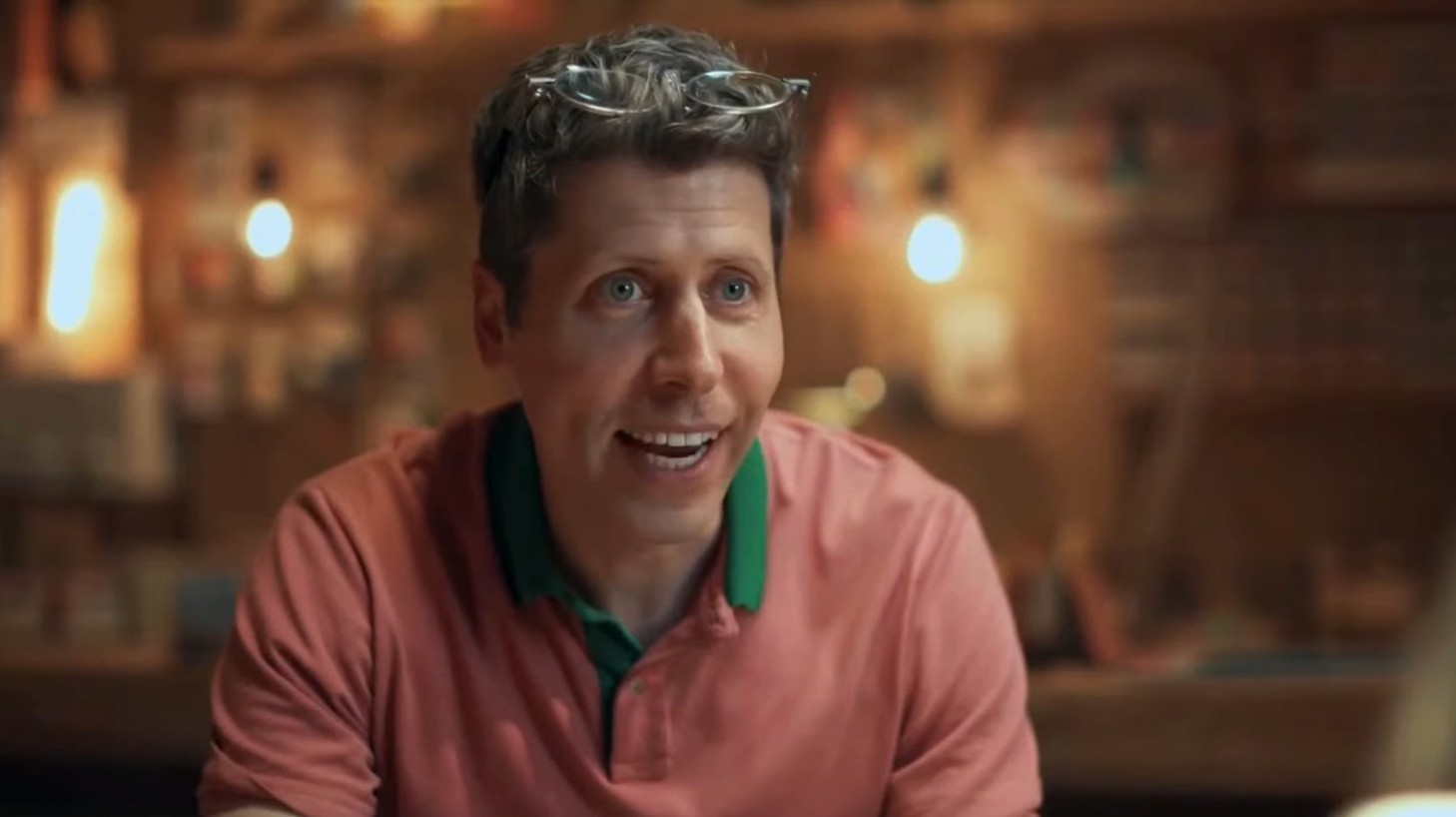
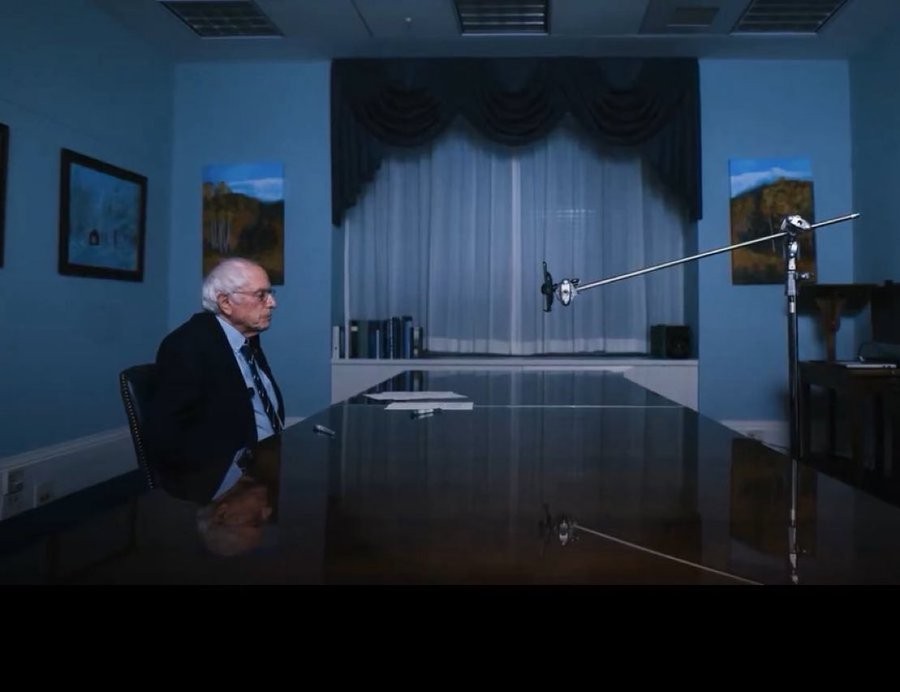
A still from Bernie Sanders’s filmed conversation with Anthropic’s Claude AI, presented as if Sanders were conducting an interview with an unseen guest across the table. The absent conversational partner is represented by a phone or voice interface outside the visible frame, making the image especially effective for jokes about talking to AI, questioning institutions that cannot answer, or holding a serious discussion with nobody present.
How the joke works: Use the top caption to establish the serious interview or debate premise, then use the right-side caption to identify the absent person, AI, institution, or ridiculous subject Sanders is addressing.
Where it comes from
The source is an official Bernie Sanders video titled “I spoke to AI agent Claude,” published in March 2026. In the video, Sanders sits at one end of a conference table and addresses Claude, Anthropic’s AI assistant, through a voice conversation rather than speaking to a human seated opposite him. The camera composition leaves the other side of the table visually empty, with a boom microphone extending into the space, producing the distinctive “politician interviews an invisible person” appearance seen in this template. Subsequent coverage and social-media discussion treated the setup as an unusually theatrical depiction of a human speaking with an AI system, while also spawning jokes about sycophantic chatbots and one-sided questioning.
When to use it
- Joking about asking an AI chatbot for advice and receiving no useful answer
- Depicting a politician, executive, or institution talking past its audience
- Framing a serious meeting where the other participant never showed up
- Representing an awkward conversation with an absent friend or coworker
- Mocking corporate promises about AI, privacy, or accountability
How to make a Bernie Sanders Talks to Claude meme
- 1Type your captionsFill in Top Caption and Right-Side Caption. You can also tap the meme and type right on it.
- 2Pick a styleKeep the original look or switch to Impact, dark text, or subtitles. Add more text if the joke needs it.
- 3Generate and downloadHit Generate meme, then save a PNG or JPG, or copy it straight into a chat.