

Free online GIF maker
Caption looping templates, or drop images and video. Size it for Discord and download in this tab.
Files stay on your device · no upload, no signup
Add frames
Lower is faster. Image slideshows often sit around 250–400 ms.
How to make a GIF
Add images, video, or a GIF
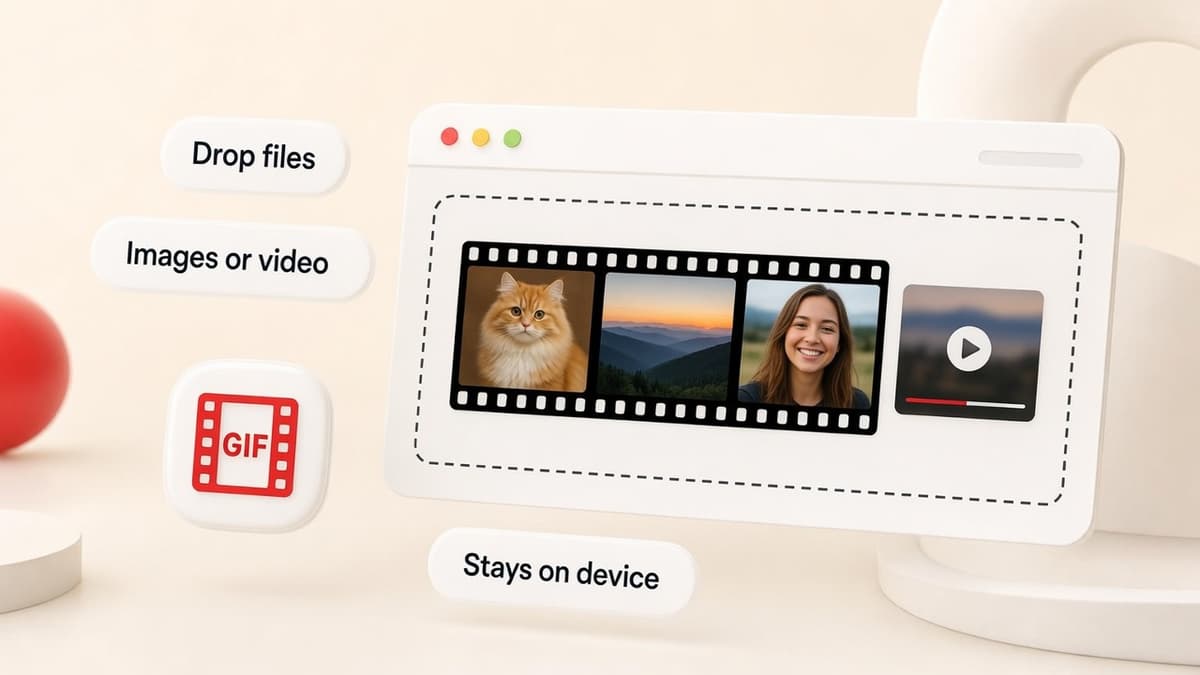
Drop PNG, JPG, or WebP stills, a video file, or an existing GIF. Or start from a looping blank on GIF templates. Nothing is uploaded.
Caption, time, and rearrange
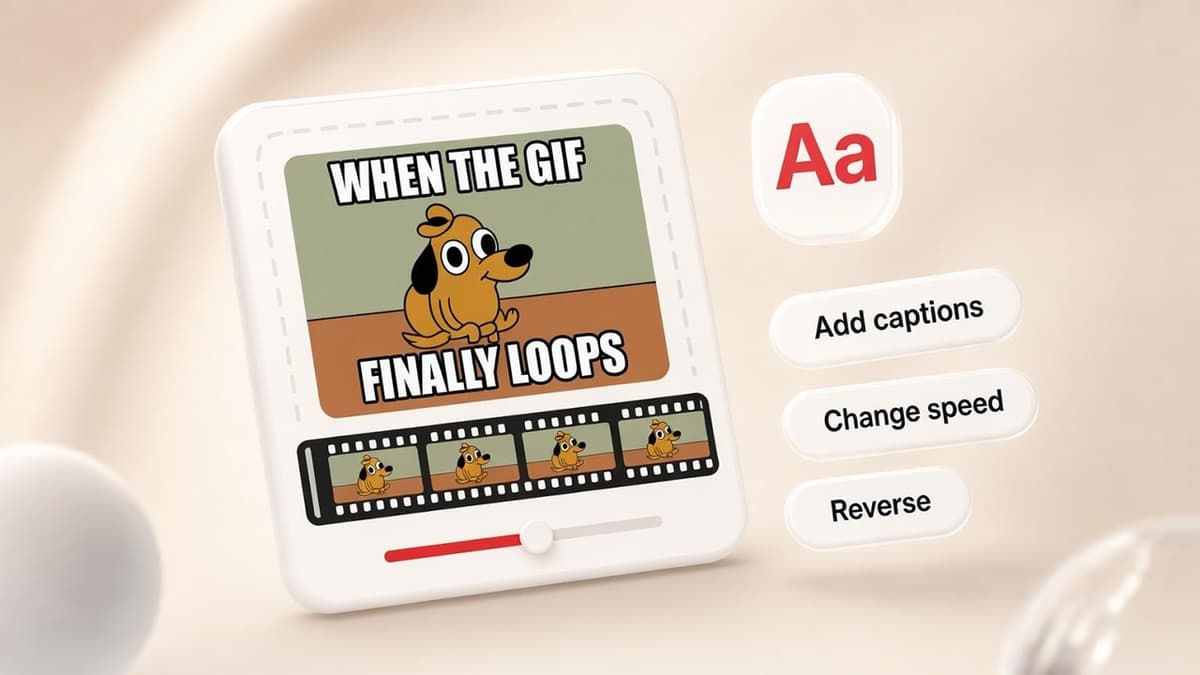
Reorder the filmstrip, set the delay, reverse the loop, and burn in Impact captions.
Download for Discord and everywhere else
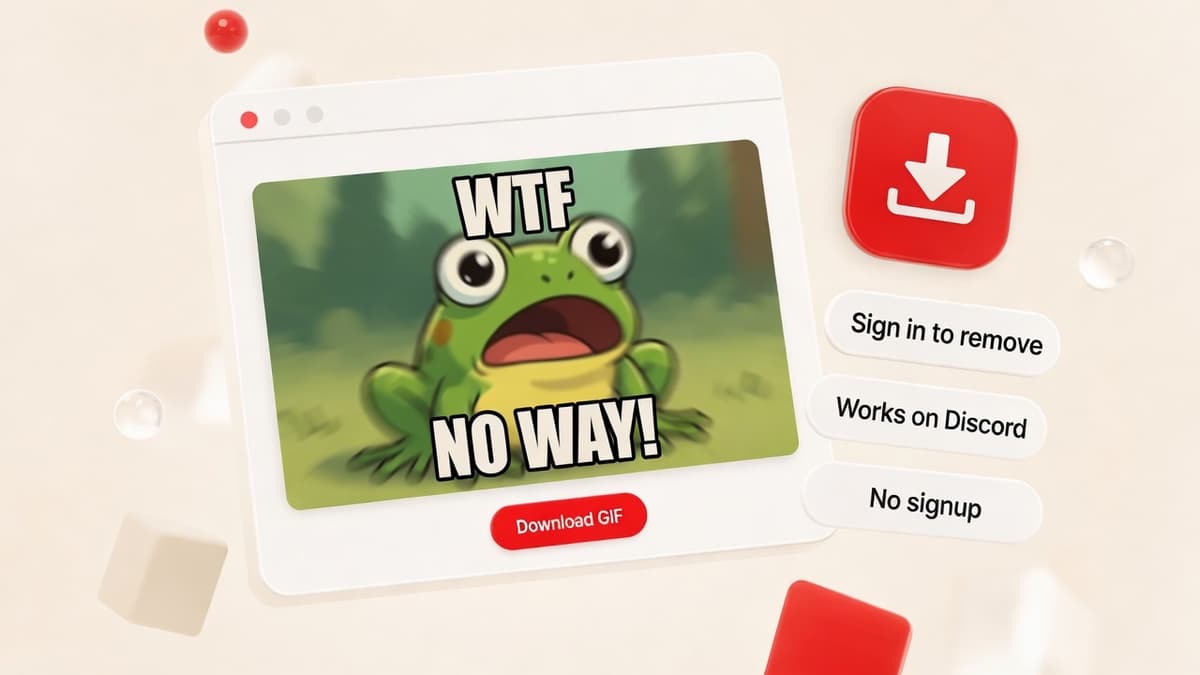
Pick Discord, Discord emoji, Compact, or High quality. Generate in this tab and download.
What you can make
Slideshows, captioned reactions, and a Discord-sized file. Encoded in your browser.
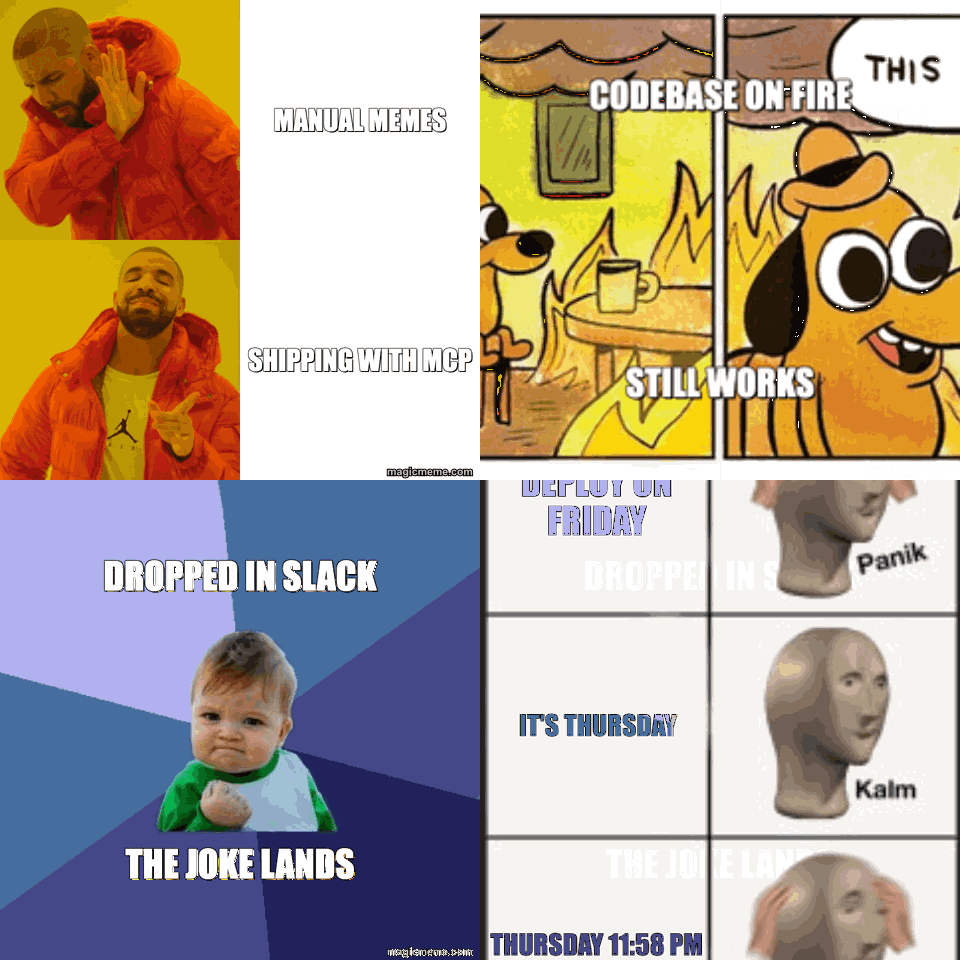
Images to GIF
Drop a few stills, set the delay, download. The sample slideshow on this page is the same path.
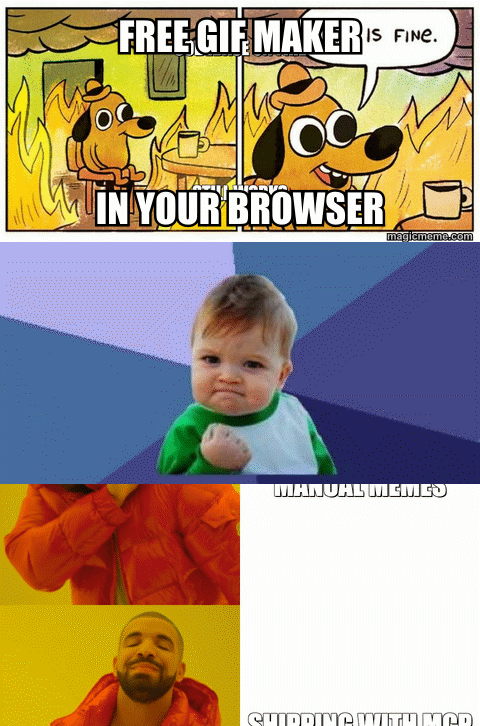
Edit and caption
Unpack an existing GIF, reverse it, add Impact captions, and merge in extra frames.
Sized for Discord
The Discord preset caps width at 480px and aims under 8 MB so chat actually animates it.



GIF maker that stays in your browser
Imgflip uploads your file and watermarks free exports unless you pay. MagicMeme encodes in this tab and adds the same small magicmeme.com mark as PNG memes.
| MagicMeme | Imgflip free | |
|---|---|---|
| Account | Not needed | Needed to save |
| Where files go | Stay in this tab | Uploaded to their servers |
| Discord size preset | Chat + emoji | Manual |
| Images, video, existing GIFs | Yes | Yes |
| YouTube URL fetch | Upload the file instead | Yes |


GIF maker FAQ
Is this GIF maker free?
+
Yes. The GIF maker runs in your browser. There is no daily cap.
Do I need an account?
+
No. Open the page, drop files, download.
Are my images or videos uploaded?
+
They stay in this tab. Nothing is uploaded to MagicMeme servers. Close the page and the frames are gone.
Will the GIF work on Discord?
+
Use the Discord preset (480px, under 8 MB) for chat. Use Discord emoji for a 128×128 GIF under 256 KB. If a file is still large, pick Compact or drop the delay so you keep fewer frames.
How do I make a GIF from images?
+
Drop two or more PNG, JPG, or WebP files. Drag the filmstrip to reorder. Set the delay until the slideshow speed looks right, then download.
Can I edit or merge existing GIFs?
+
Drop a .gif to unpack its frames. Change speed, reverse, crop to a Discord size, add captions, or drop another GIF or stills to merge them into one file.
Can I make a GIF from a video or YouTube?
+
Yes. Upload an MP4, WebM, or MOV from your computer. Trim the start and end, pick a frame rate, then extract frames. YouTube URLs are not fetched here. Save the clip first, then upload the file.
Can I add captions?
+
Yes. Top and bottom captions use classic Impact-style meme type and burn into the downloaded GIF.
Do you have GIF templates like Imgflip?
+
Yes. Open GIF templates, pick a looping blank, and caption it on that GIF’s page. Drop your own GIF or video here in the maker instead.
Why doesn't my GIF animate on Facebook or Discord?
+
Some apps freeze tiny GIFs. Keep both width and height above 200px for Facebook. Discord usually animates files under 8 MB. If another site says the file is corrupt, it may not like optimized GIFs. Try the High quality preset.
Which file formats can I upload?
+
PNG, JPG, WebP, and GIF for stills and existing animations. MP4, WebM, and MOV for video. Other types your browser can decode often work too.