What is the Windows Update meme?
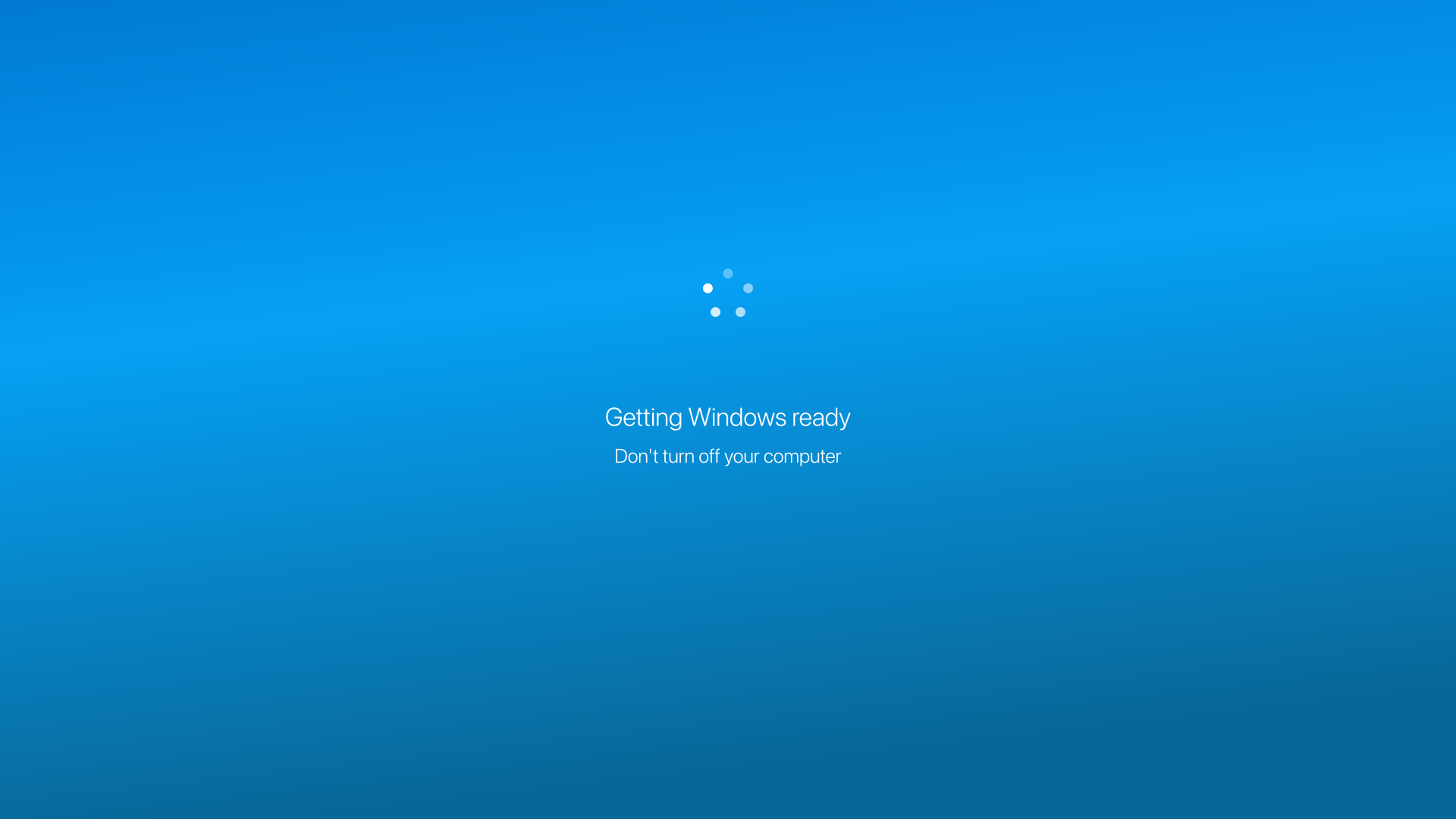
Windows Update is the blue Windows 10 “Getting Windows ready / Don't turn off your computer” screen. It jokes about endless waiting, forced restarts, and anything that stalls right when you need to finish. The spinner and baked status lines stay; captions sit in the empty blue.
How the joke works: Top is the urgent task or setup; bottom is a short Windows-style warning that it is stalled or restarting. Keep Impact off the spinner and the baked “Getting Windows ready” lines.
Where it comes from
Recreation of the Windows 10 “Getting Windows ready” update UI (Microsoft, 2015–). Same copy and five-dot spinner as the catalog’s old 250×152 JPEG; not the “Working on updates / 26% complete” phone photo or a Windows 11 black screen.
When to use it
- complaining about a PC restarting before a deadline
- metaphor for any process stuck at 30% forever
- IT humor about Patch Tuesday ruining a workday
- captioning the screen with a life task that never finishes
- joking about Update and shut down that still boots to more updates
How to make a Windows Update meme
- 1Type your captionsFill in The urgent task and The stall. You can also tap the meme and type right on it.
- 2Pick a styleKeep the original look or switch to Impact, dark text, or subtitles. Add more text if the joke needs it.
- 3Generate and downloadHit Generate meme, then save a PNG or JPG, or copy it straight into a chat.