What is the Timothée Chalamet Points Beside Ben Affleck meme?
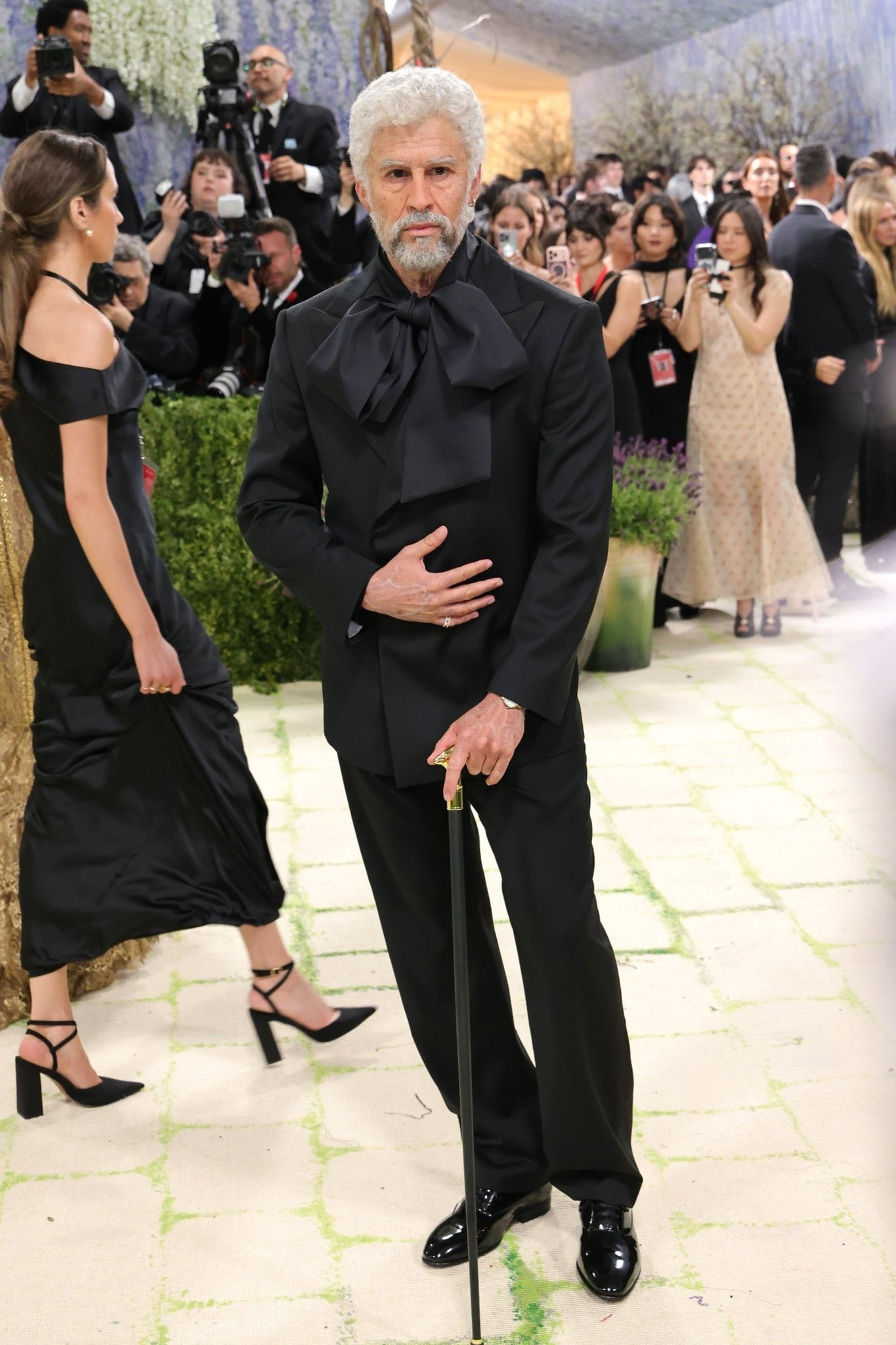
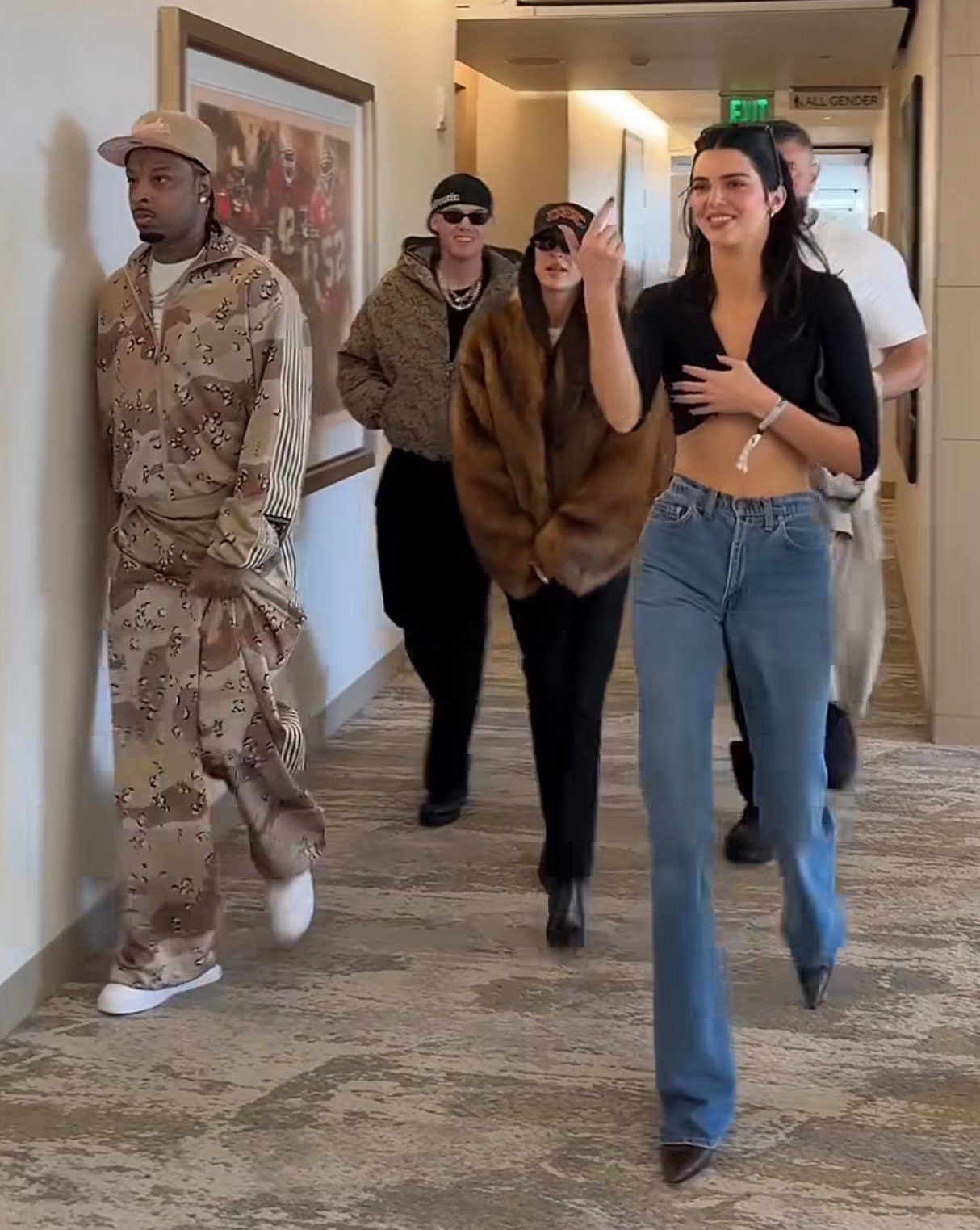
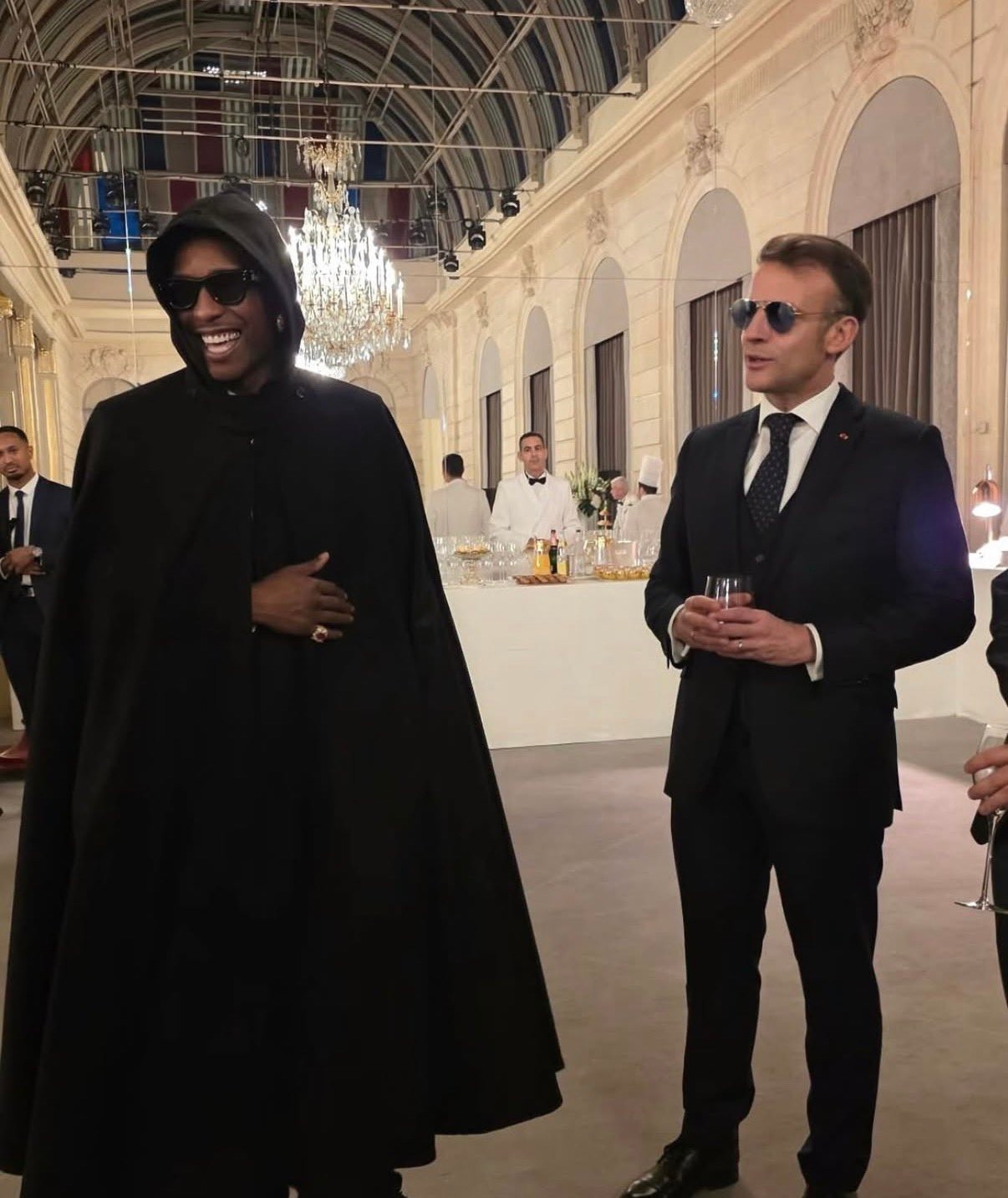
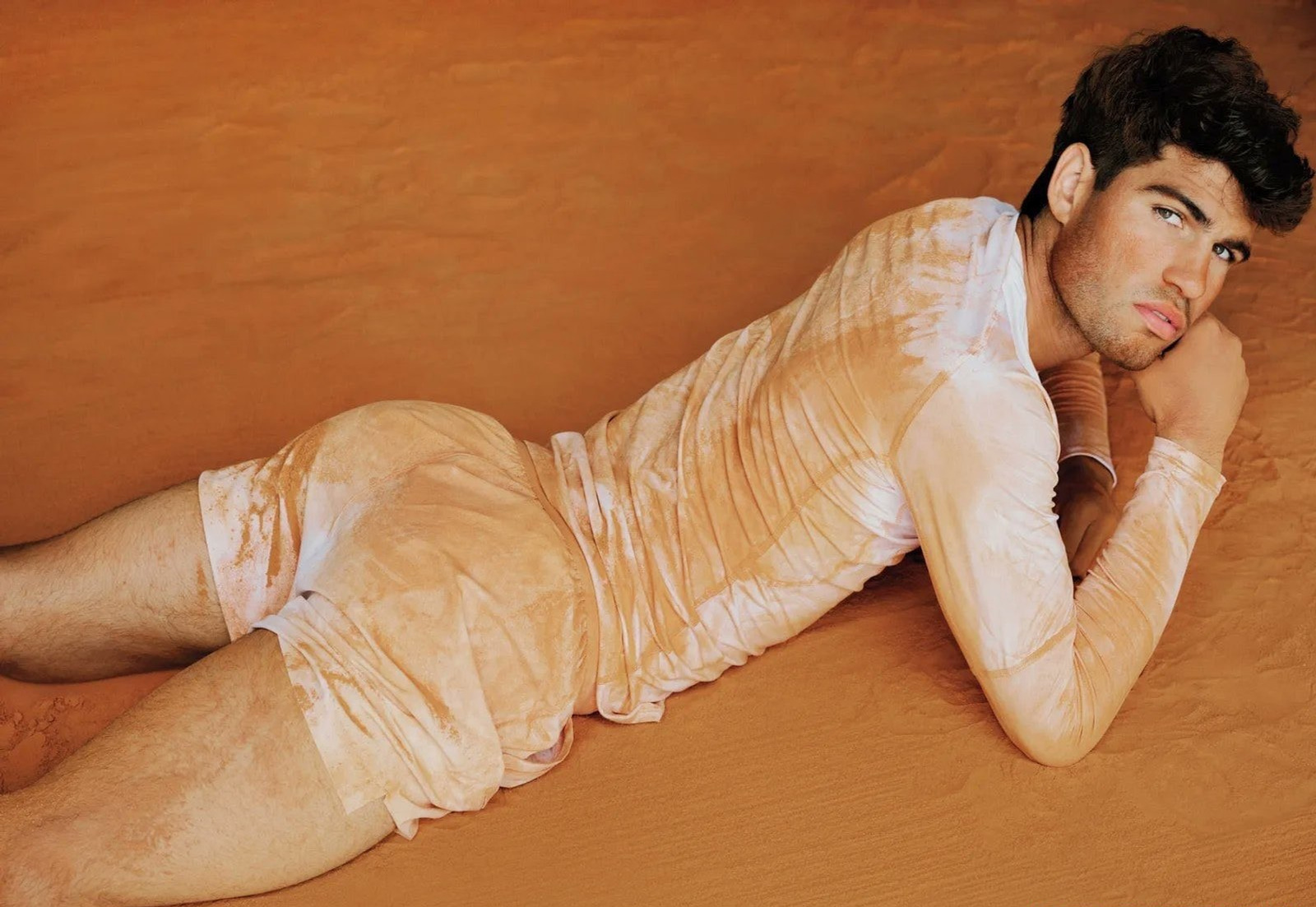
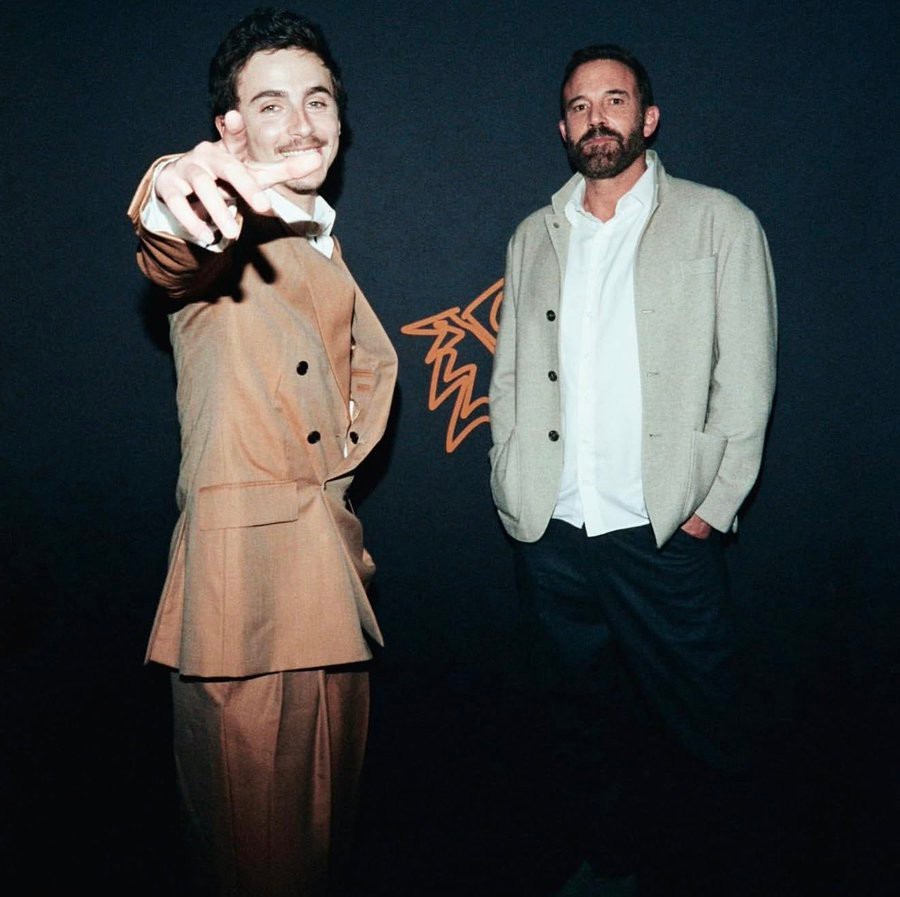
A photo-based two-person comparison template featuring Timothée Chalamet pointing directly at the viewer and Ben Affleck standing calmly beside him. The contrast between Chalamet’s animated gesture and Affleck’s reserved pose works well for labeling two different personalities, choices, reactions, levels of enthusiasm, or approaches to the same situation. Although both actors appeared at the 2024 Golden Globes, available reporting does not establish that this exact image was taken there, so the template is best treated as an event or fashion photograph rather than a confirmed named meme format
How the joke works: Place the more energetic, direct, or enthusiastic concept above Timothée Chalamet and the calmer, skeptical, or contrasting concept above Ben Affleck.
Where it comes from
This is a portrait-oriented celebrity photograph showing Timothée Chalamet in a tan outfit pointing toward the camera, with Ben Affleck standing beside him in a light gray jacket. The dark backdrop and orange graphic suggest a staged event, fashion, or promotional photo setting. Web search confirms that the two actors were photographed and discussed at the 2024 Golden Globes, held on January 7, 2024, but does not conclusively match this image to that event. No authoritative source found in the search establishes a specific meme debut, so the image should be cataloged as a flexible celebrity comparison template with uncertain event provenance.
When to use it
- Label Chalamet as the person enthusiastically endorsing an idea and Affleck as the person remaining skeptical.
- Compare an impulsive choice with a cautious or practical alternative.
- Show someone calling attention to a trend while another person reacts with quiet indifference.
- Contrast online confidence with real-world hesitation.
- Represent two coworkers, friends, or fandoms handling the same situation differently.
How to make a Timothée Chalamet Points Beside Ben Affleck meme
- 1Type your captionsFill in Left Label and Right Label. You can also tap the meme and type right on it.
- 2Pick a styleKeep the original look or switch to Impact, dark text, or subtitles. Add more text if the joke needs it.
- 3Generate and downloadHit Generate meme, then save a PNG or JPG, or copy it straight into a chat.